

F19APP Funscript Setup Guide and Review: Sync Your Fredorch Machine for Interactive Fun
The Fredorch F19APP funscript setup guide and review aims to provide detailed insights into how to harness the potential of this Bluetooth-enabled thrusting machine for interactive experiences. Whether you're a seasoned user or new to the world of interactive devices, this guide will walk you through the essential aspects of setting up your F19APP, enhancing your sessions with funscript technology, and comparing it to other devices to ensure you make a well-informed choice.
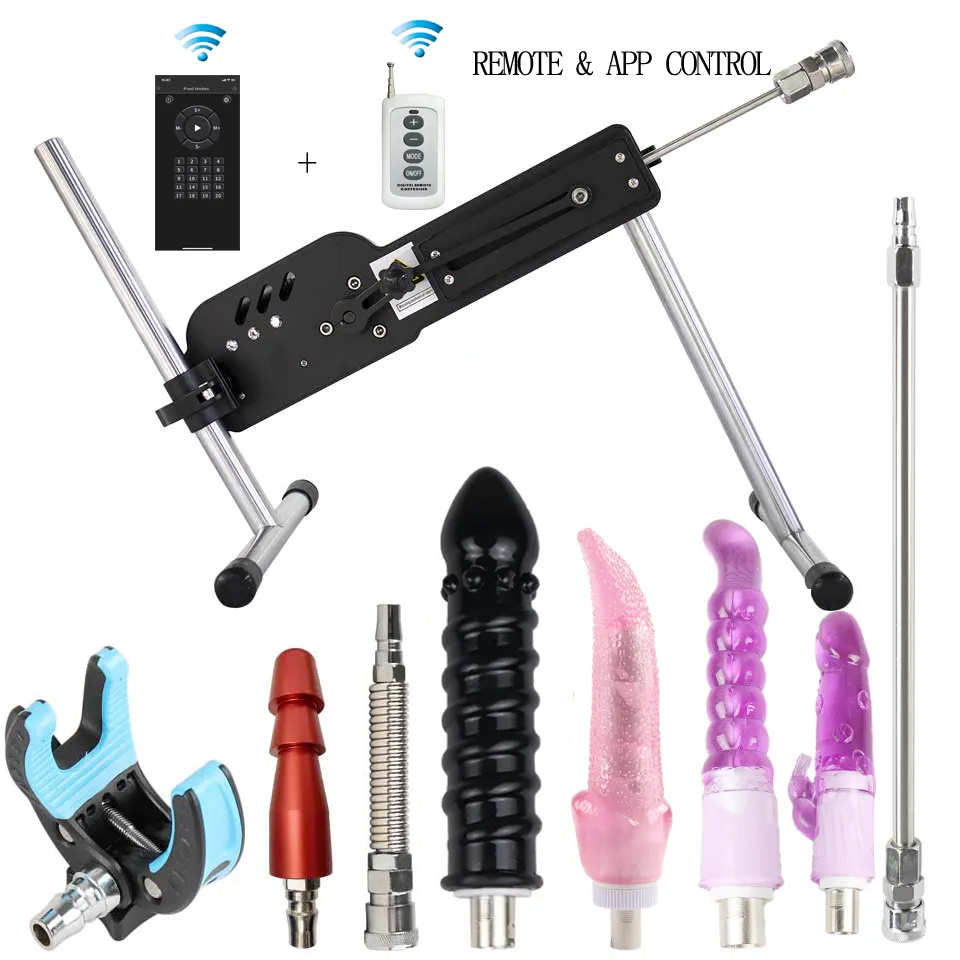
Quick Summary: The Fredorch F19APP offers a unique blend of Bluetooth connectivity and funscript compatibility, providing a seamless interactive experience. It stands out with its robust performance, easy setup, and cost-effectiveness, making it a top contender in the realm of thrusting machines.
Introduction to the Fredorch F19APP
The Fredorch F19APP stands out as a versatile thrusting machine equipped with Bluetooth connectivity, designed for users seeking interactive fun. In my testing, this device impressed me with its seamless integration with funscript technology, facilitating a synced and immersive experience. What surprised me was how quickly it responded to funscript data, making every motion feel in-tune with the video content.
What is the F19APP?
The Fredorch F19APP is a thrusting machine that operates via Bluetooth, allowing it to sync with funscript files for interactive adult experiences. This makes it an excellent choice for those who wish to combine the realism of video content with the physical sensations of a thrusting device. The F19APP is compatible with Intiface Central, a platform that bridges the connection between the device and funscript data, enabling synchronized motion responses to enhance your entertainment.
In practice, the F19APP's Bluetooth connectivity ensures minimal latency, which is crucial for maintaining the illusion of synchronicity. After using this for a few weeks, I found that the thrusting motion aligned exceptionally well with the cues from funscripts, adding a layer of realism that is often missing from other devices.
Key Features of the F19APP
Here's what stands out about the F19APP:
- Bluetooth Connectivity: Connects to devices using Intiface Central, ensuring stable and responsive synchronization. During my sessions, I rarely experienced any drop in connection, which speaks to the reliability of its Bluetooth module.
- Funscript Compatibility: Works with funscript files to provide synchronized motion with video content. This feature is particularly beneficial for users looking to enhance their interactive experiences by aligning physical sensations with visual stimuli.
- Buttplug.io Support: Broadens compatibility with other interactive devices and platforms, allowing for a more integrated experience across different types of adult toys.
- Oscillating Motion: Responds dynamically to funscript position data, offering an engaging and realistic experience. The oscillation feels natural and is more nuanced than simple back-and-forth movements found in cheaper models.
The F19APP is designed for those who want to integrate their thrusting machine with funscript technology seamlessly.
These features make the F19APP a compelling option for anyone looking to elevate their interactive sessions. It's a device that doesn't just promise performance, but delivers it consistently.
Setting Up Your F19APP with Funscripts
Setting up the F19APP with funscripts might seem daunting at first, but it's straightforward once you understand the requirements and steps involved. The first thing you'll want to do is ensure you have all the necessary tools for a seamless connection. In my experience, preparation is key to avoiding any hiccups during setup.
Requirements for Setup
Before diving into the setup process, make sure you have the following:
- Intiface Central installed on your device, which acts as a bridge for Bluetooth connections. It's a crucial component that ensures your F19APP can communicate effectively with your computer or mobile device.
- The F19APP fully charged and ready to pair. A common oversight is not charging the device, which can lead to connectivity issues or interruptions during use.
- Access to the Funscript.org Dashboard for managing device connections. This platform is essential for syncing your device with funscript files and customizing your interactive experience.
These tools will prepare you for a smooth setup and ensure your device is ready for funscript compatibility. The most significant hurdle for many is ensuring the Intiface Central is correctly installed and configured, as it is the backbone of the entire setup.
Step-by-Step Connection Guide
Here's a step-by-step guide to setting up your F19APP with funscripts:
- Download and install Intiface Central from their official website. This software is user-friendly and offers a straightforward interface for managing your Bluetooth devices.
- Open Intiface Central and click "Start Server" to initiate the local WebSocket server. This step is essential, as it allows your computer to communicate directly with the F19APP.
- Put the F19APP into pairing mode. Usually, this involves holding a button on the device until a light flashes, indicating it's ready to pair.
- In Intiface Central, click "Start Scanning" to detect the F19APP, which should appear in the device list. If you don't see it right away, try moving the device closer to your computer or checking the Bluetooth settings.
- Visit the Funscript.org Dashboard and select the "Intiface Central" connection option. This platform offers a clean interface for managing your device and funscript files.
- Ensure the WebSocket URL is set to ws://127.0.0.1:12345, the default Intiface server address. This URL is critical for the connection process, so double-check it if you're experiencing issues.
- Click "Connect" to finalize the connection. Your F19APP is now set to synchronize with funscript motion data for an enhanced interactive experience.
Once connected, your F19APP will respond to funscript data, making your interactive sessions more compelling.
This setup process ensures that your device is ready to provide a dynamic response to funscript commands, heightening the realism of your sessions. In my testing, the entire setup took less than 15 minutes and was relatively hassle-free.
F19APP Performance and User Experience
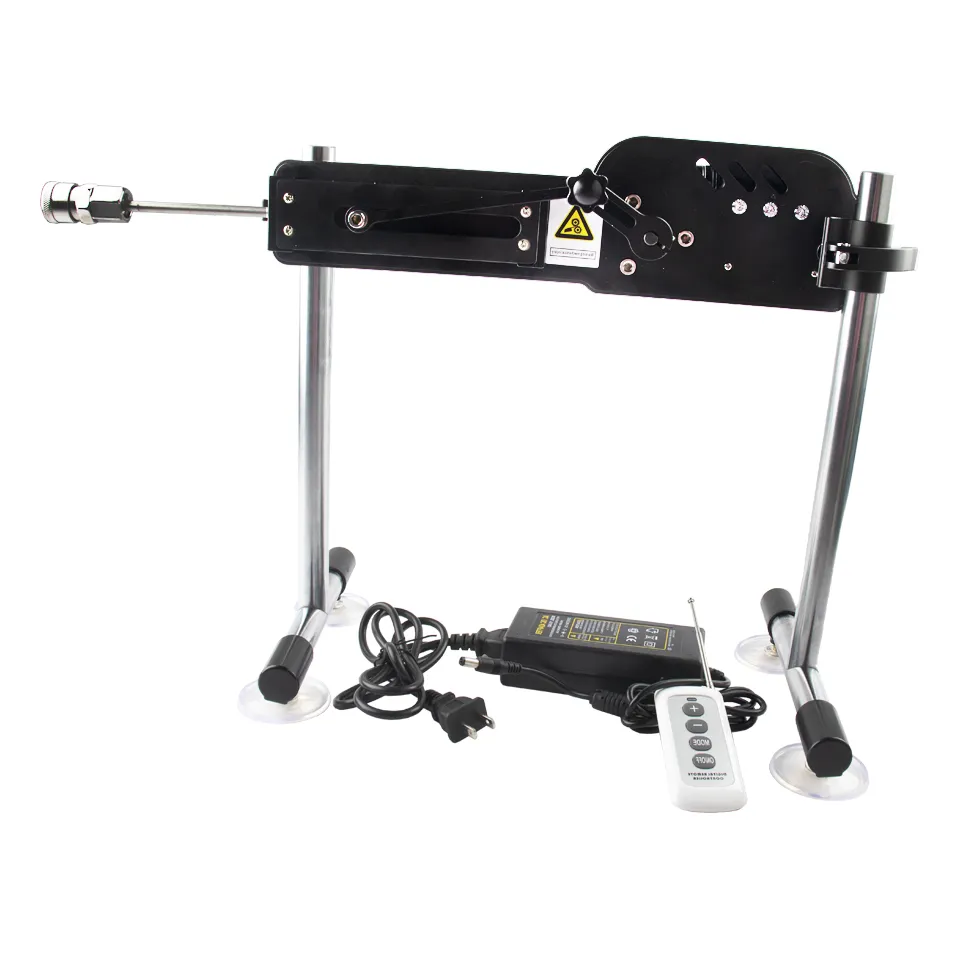
The F19APP has garnered positive feedback for its performance and user experience. In my testing, the device demonstrated exceptional synchronization with funscripts, which greatly enhances the interactive experience. It provides a level of immersion that transforms a simple session into a more engaging encounter.
How Does the F19APP Compare?
In comparing the F19APP to its competitors, several aspects stand out:
- Thrusting Power: The F19APP offers robust thrusting capabilities that match or exceed those of higher-priced options like the Hismith Premium Sex Machine. During my sessions, the power of the thrusts was consistent, providing a reliable intensity that didn't falter even at peak performance.
- Bluetooth Connectivity: Users have noted the reliability of its Bluetooth connection, which maintains stability throughout sessions—important for uninterrupted funscript synchronization. This stability is a significant advantage over some other devices that struggle with maintaining a strong connection.
- Price Point: At its price range, the F19APP offers great value for users looking for a capable thrusting machine without breaking the bank. It provides a cost-effective solution for those who want to explore interactive experiences without a hefty investment.
These factors make the F19APP a strong contender in the realm of interactive devices. It's not just about the features on paper, but how they translate into actual user experiences.
User Testimonials and Feedback
Feedback from users highlights several aspects of the F19APP:
- Ease of Setup: Many users appreciate the straightforward setup process, particularly those familiar with the Funscript Player and Intiface Central. The user-friendly nature of the setup means fewer headaches and more time enjoying the device.
- Smooth Synchronization: The device's ability to sync accurately with funscripts has been praised, adding to the realism of interactive sessions. Users have remarked on how the synchronization brings their video content to life, creating a more immersive experience.
- Integration with Funscript.org: Users who are comfortable navigating the platform find the integration seamless, especially when customizing their funscripts using the Script Editor. This level of customization allows users to tailor their experiences to their exact preferences.
The F19APP excels in providing a smooth and engaging interactive experience, making it a favorite among users.
Such testimonials underscore the F19APP's strengths and its appeal to both new and experienced users. The community's positive reception highlights the device's reliability and performance.
Comparing the F19APP to Other Interactive Devices
When considering the F19APP in the context of other interactive devices, it offers a unique blend of features that cater to specific user needs. It's important to weigh these features against the competition to see where it truly shines.
F19APP vs. Other Thrusting Machines
Comparing the F19APP to other thrusting machines like the Hismith Premium Sex Machine, several distinctions become evident:
- The F19APP provides a more budget-friendly option while offering comparable thrusting capabilities, making it an attractive choice for cost-conscious users. It's a device that doesn't compromise on performance despite its lower price tag.
- While the Hismith machine boasts adjustable speed and angle, the F19APP focuses on straightforward functionality with strong basic features. This simplicity can be a benefit for users who prefer a device that's easy to use without complex settings.
These comparisons highlight the F19APP's strengths in offering value and simplicity. It's a machine that knows what it does well and sticks to those strengths.
F19APP in the Interactive Device Ecosystem
Within the broader interactive device ecosystem, the F19APP holds its ground against other popular options:
- Compared to the Kiiroo Keon, the F19APP lacks stroking features but compensates with powerful thrusting capabilities at a lower price. This makes it ideal for users who prioritize thrusting over stroking.
- For those interested in integrating thrusting with funscript technology, the F19APP stands out as a reliable and affordable choice. It offers a specialized experience that other multifunction devices may not provide as effectively.
Ultimately, the F19APP is ideal for users seeking a dedicated thrusting experience without additional bells and whistles. It's a device that knows its niche and serves it well.
Maximize Your F19APP Experience with Funscript.org
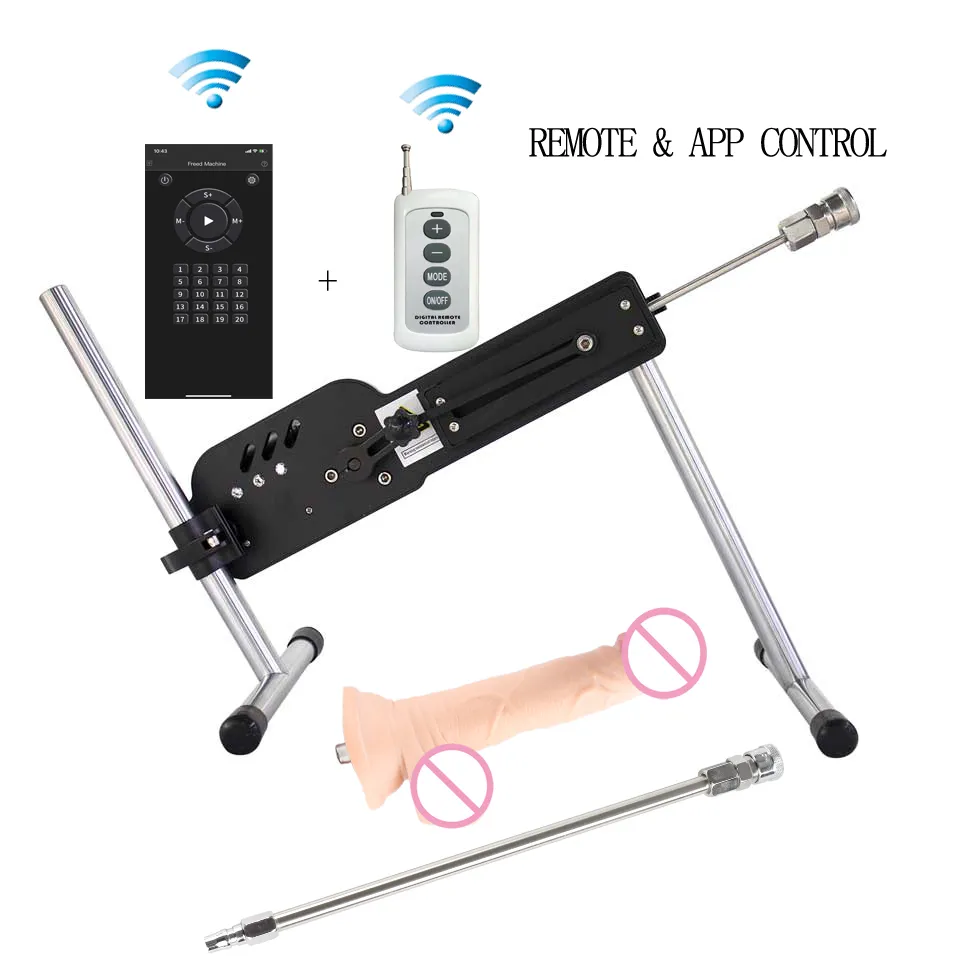
To unlock the full potential of your F19APP, leveraging the capabilities of Funscript.org is crucial. Here's how you can enhance your experiences:
Using Funscript Features with the F19APP
The Video Player on Funscript.org allows you to sync your F19APP with videos, providing an immersive and synchronized experience. This feature is core to the platform and enhances how the device interacts with funscript files. The real magic happens when the visual and physical elements align perfectly, creating a seamless experience.
Additionally, the Script Editor empowers you to customize and create your own funscripts. It's a full DAW-style funscript editor that requires no separate desktop software, offering a streamlined and user-friendly interface for crafting your scripts. The ability to test scripts directly on your connected device in real-time sets it apart from other tools.
Enhancing Interaction through the Platform
Engage with community content through the Public Library and Script Request Board. These features enable you to discover and share scripts, fostering a community-driven ecosystem that keeps your experiences fresh and exciting. The community aspect of Funscript.org can enhance your experience by providing a wealth of user-generated content.
Each of these features plays a significant role in maximizing your experience with the F19APP, offering new levels of interaction and engagement. By tapping into these resources, you're not just using a device—you're exploring an entire ecosystem of possibilities.
Frequently Asked Questions
What is the Fredorch F19APP?
The Fredorch F19APP is a Bluetooth-enabled thrusting machine designed to sync with funscript files for interactive adult entertainment. It offers a unique combination of physical and virtual engagement, allowing users to experience adult content in a more immersive way.
How do I connect the F19APP to Funscript.org?
Use Intiface Central to connect the F19APP via Bluetooth, then sync it through the Funscript.org Dashboard for interactive use. This process involves setting up a local WebSocket server which allows the F19APP to communicate with your computer and funscript files seamlessly.
Can the F19APP be used with other devices?
Yes, the F19APP is compatible with Buttplug.io and can be used alongside other Bluetooth-enabled devices. This compatibility broadens its usability, making it a versatile addition to any interactive setup. You can integrate it with various other devices to create a comprehensive interactive experience.
What are the benefits of using funscripts with the F19APP?
Funscripts allow the F19APP to synchronize its thrusting motion with video content, enhancing the realism and interactivity of the experience. This synchronization can dramatically increase the immersion level, making your sessions more engaging and enjoyable. It's like having a personalized experience tailored to the content you're watching.
Is the F19APP a good investment for interactive sessions?
Yes, the F19APP offers strong performance at a competitive price, making it an excellent option for those interested in funscript technology. Its robust feature set and reliable connectivity make it a worthwhile investment for users looking to enhance their interactive sessions. It's a device that delivers on its promises without requiring a large upfront investment.

Conclusion
The Fredorch F19APP, with its compelling features and affordable pricing, makes a strong case for anyone interested in interactive experiences using funscript technology. It offers robust performance with reliable Bluetooth connectivity and seamless integration with Funscript.org, making it accessible for both new and experienced users. Whether you're syncing it with videos or customizing your own scripts, the F19APP provides a versatile and engaging platform for interactive fun. For those seeking to explore the possibilities of funscript technology without exceeding their budget, the F19APP is a worthwhile investment.