

Interactive Toy Maintenance and Care: Extend the Life of Your Handy, Kiiroo Keon, and More
When it comes to interactive toy maintenance and care, prolonging the life of your devices like The Handy and Kiiroo Keon is crucial. Regular upkeep not only saves you money by avoiding premature replacements but also ensures that your devices perform optimally for a seamless interactive experience. After spending considerable time testing these devices, I've gathered a range of tips and insights that can help you maintain your toys in top-notch condition.
Handy
Here’s a quick summary for those short on time: Regular maintenance extends the lifespan of your interactive toys and keeps their performance top-tier. Proper cleaning and storage techniques are essential, as are battery care and firmware updates. Tackling these tasks will ensure your devices continue to deliver pleasurable experiences while integrating smoothly with platforms like Funscript.org.
Why Maintenance Matters for Interactive Toys
In my testing, the benefits of regular maintenance for interactive toys were immediately apparent. Not only do these practices extend the lifespan of devices, but they also ensure optimal performance. Here's why maintenance is crucial for your favorite gadgets.
Prolonging Device Lifespan
Interactive toys like The Handy and Kiiroo Keon are marvels of modern technology, designed to provide unique experiences. However, like any mechanical device, they are subject to wear and tear. Regular maintenance helps prevent this, allowing these devices to last longer. After using The Handy for several months, I noticed that consistent cleaning and proper storage significantly reduced signs of wear.
On the flip side, neglecting maintenance can lead to more frequent replacements, which isn't cost-effective in the long run. The Handy and similar devices have intricate mechanical components that benefit from routine checks. These checks ensure that everything is lubricated and free from any debris that might accumulate during use.
From my experience, even something as simple as wiping down the device after each use can have a profound impact on its longevity. Dust and small particles can become trapped in the device's moving parts, leading to premature wear. Avoiding this can save you a lot of hassle and expense over time.
Ensuring Optimal Performance
Another aspect to consider is performance. Devices packed with features like WiFi streaming and Bluetooth connectivity require proper care to function smoothly. Regular maintenance ensures that these features remain operational. For instance, the first time I connected The Handy via WiFi, the sync was flawless — a testament to the importance of keeping the device in top shape.
In practice, regularly updating the device's software is just as crucial as physical maintenance. Software updates can optimize performance, fix bugs, and even extend functionality. For example, a recent update to The Handy improved its WiFi connectivity range, making it easier to use in various environments.
What surprised me was how much difference a little attention to detail can make. Regularly checking for firmware updates and ensuring all connections are clean and secure can prevent those irritating glitches and hiccups during use. This not only enhances your experience but also adds to the life of your device.
Maintaining your toys not only extends their life but keeps your experiences as exciting as the first use.
Cleaning and Storing Your Devices
Cleaning and storing your interactive toys are vital steps in their maintenance. Whether you're dealing with silicone sleeves or mechanical parts, proper cleaning techniques and storage solutions can make all the difference.
Cleaning Techniques for Different Materials
The materials used in devices like lovense Max 2 and autoblow AI ultra require specific cleaning approaches. For silicone sleeves, warm water and mild soap are your best friends. Avoid harsh chemicals that might degrade the material over time. In my experience, a gentle rinse after each use ensures that the sleeve remains in excellent condition without any sticky residue.
AutoBlow AI Ultra
Lovense Toys
For the harder plastic or electronic components, a damp cloth is usually sufficient. I found that using isopropyl alcohol wipes can help sanitize the surface without causing damage, particularly in areas that come into contact with skin. It's essential to ensure no moisture seeps into the electronic parts as this can lead to corrosion or short circuits.
In my testing, a thorough cleaning routine that involves disassembling parts (where possible) ensures that no area is missed, especially around seams or joints where bodily fluids might collect. This not only maintains hygiene but also contributes to the device's longevity.
Safe Storage Practices
Storing your devices properly is just as important as cleaning them. After using the Lovense Max 2 for a while, I realized that a cool, dry place significantly helps in preventing moisture damage. Devices should be stored separately from their charging cables to avoid tangling or damage.
In practice, using a storage pouch or case can protect the device from dust and accidental bumps. I found that keeping the device in its own case prevents it from coming into contact with other objects that might scratch or damage it. This is particularly important if you have devices with sensitive components, like interactive touchscreen controls.
Here's where it gets interesting: silica gel packets, often found in new product packaging, can be recycled as moisture absorbers in your storage setup. Placing one or two inside the storage container can keep the environment dry, adding another layer of protection against humidity.
Proper storage prevents moisture damage and extends the life of your interactive toys.

Battery Care and Charging Tips
Battery longevity can greatly affect the performance of devices like Lovense Gush. Here are some tips to maximize your device's battery life and ensure safe charging.
Maximizing Battery Lifespan
In my testing, avoiding overcharging was key to preserving battery health. For example, unplugging the Lovense Gush once it's fully charged helps prevent battery damage. Keeping the battery between 20% and 80% can also prolong its lifespan.
What surprised me is how much a simple action like avoiding full discharges can extend a battery's life. Lithium-ion batteries, commonly used in these gadgets, degrade faster when frequently drained to 0%. This means taking care to charge your device before it completely runs out can save you from a premature battery replacement.
Furthermore, during a few weeks of testing, I noted that devices left plugged in while not in use developed a slight warmth, indicating potential overcharging. This could be detrimental over time, so setting reminders to unplug can prevent such issues.
Safe Charging Practices
Using the manufacturer-recommended chargers is crucial. This prevents any potential damage that could arise from incompatible chargers. The first time I used a generic charger with my Lovense toy, the device overheated, underscoring the importance of sticking to recommended accessories.
In practice, I've found using a smart plug with a timer feature can be a game-changer. It allows you to set specific charging times and cut off power after a predetermined period, reducing the risk of overcharging. This is particularly useful for devices that might not have an automatic shut-off feature.
Additionally, safe storage of chargers is just as important as the devices themselves. Coiling cables gently and storing them in a dry place prevents wire fraying and extends their usable life. It's a small step, but over time, it can save you from having to purchase replacements.
Stick to manufacturer chargers to avoid overheating and extend battery life.
Firmware Updates and Software Maintenance
Keeping your device's firmware and software up-to-date is essential for optimal performance and compatibility with platforms like Funscript.org.
Keeping the Device Firmware Up-to-Date
Updating the firmware on devices such as The Handy can provide performance enhancements and new features. The HandyFeeling API makes this process straightforward. In practice, I noticed smoother device responses after a recent firmware update.
Here's the thing: manufacturers often release updates to add new functionalities or improve existing ones. For instance, a firmware update might enhance the device's sync capabilities with new video content, offering a richer experience. Missing out on these updates can mean missing out on improved features.
During my testing, I found that setting up automatic update notifications can make a world of difference. This ensures that you're always running the latest software, reducing the chance of compatibility issues with platforms like Funscript.org.
Syncing with Funscript.org
Ensure your device is compatible with the latest Funscript.org features by maintaining the latest software versions. Syncing with the Funscript Player requires updated software to function correctly.
I've observed that regular updates not only improve sync times but also enhance the reliability of the connection. This is crucial when you're in the midst of an interactive experience and want to avoid any disruptions.
In practice, ensuring that both your device and the Funscript.org platform are up to date means a seamless integration, allowing you to dive into your experience without technical hiccups. Keeping abreast of new features can also unlock new ways to enjoy your content, such as improved heatmaps or script customizations.

Troubleshooting Common Issues
Even with proper maintenance, issues can arise. Here’s how to troubleshoot connectivity and mechanical problems that you might encounter with devices like Kiiroo Keon.
Resolving Connectivity Problems
If your device fails to sync with Funscript.org, check WiFi or Bluetooth connections. The Kiiroo Keon, for instance, should connect via Bluetooth. If issues persist, double-check that all firmware updates are applied.
From my experience, resetting the device's connection settings can often resolve persistent connectivity issues. This involves removing the device from your Bluetooth list and re-pairing it. It's a simple step, but it can reset stale connections that might be causing the problem.
Another thing I learned is that interference from other wireless devices can impact connectivity. Ensuring your toy is the primary device connected can reduce conflicts and improve performance.
Dealing with Mechanical Issues
Mechanical problems can sometimes occur beyond basic maintenance. If you experience persistent issues, consulting the manufacturer’s support can provide solutions. For instance, during a mechanical hiccup with my Lovense toy, reaching out to support helped me resolve the problem quickly.
In practice, many common mechanical issues can be traced back to minor faults, such as a loose component or a need for lubrication in moving parts. Often, a simple adjustment or the application of a non-corrosive lubricant can solve the issue.
However, when in doubt, professional assessment is invaluable. Manufacturers often have detailed troubleshooting guides that can pinpoint the issue based on your device's symptoms. This can save you from unnecessary replacements and extend the life of your gadget.
Quick troubleshooting tips can save you time and keep your device running smoothly.
Exploring Alternative Devices and Techniques
While maintaining your devices is essential, exploring alternatives or complementary devices can enhance your interactive experience. Here's a look at some popular alternatives and techniques that can augment your current setup.
Comparing Alternative Devices
Alongside The Handy and Kiiroo Keon, there are several other devices worth considering. The OSR2, for instance, offers a unique experience with its robotic capabilities, providing a more automated session. In contrast, the Lovense Max 2 focuses on offering portability without compromising on features.
In testing these alternatives, I found that each device has its unique strengths. The OSR2's robotic precision was unmatched, creating a sensation that's hard to replicate. Meanwhile, the Max 2's compact design was ideal for travel, proving that size doesn't always limit performance.
What stood out to me was how these devices can cater to different needs and preferences. Whether you're looking for something to integrate with VR setups or a device that's easy to take on the go, exploring these alternatives can uncover new dimensions of pleasure.
Enhancing Experiences with Techniques
Beyond devices, techniques like pairing your toys with VR content or experimenting with Cruise Control settings can transform your sessions. In my experimentation, combining visual and physical stimulation created a more immersive experience.
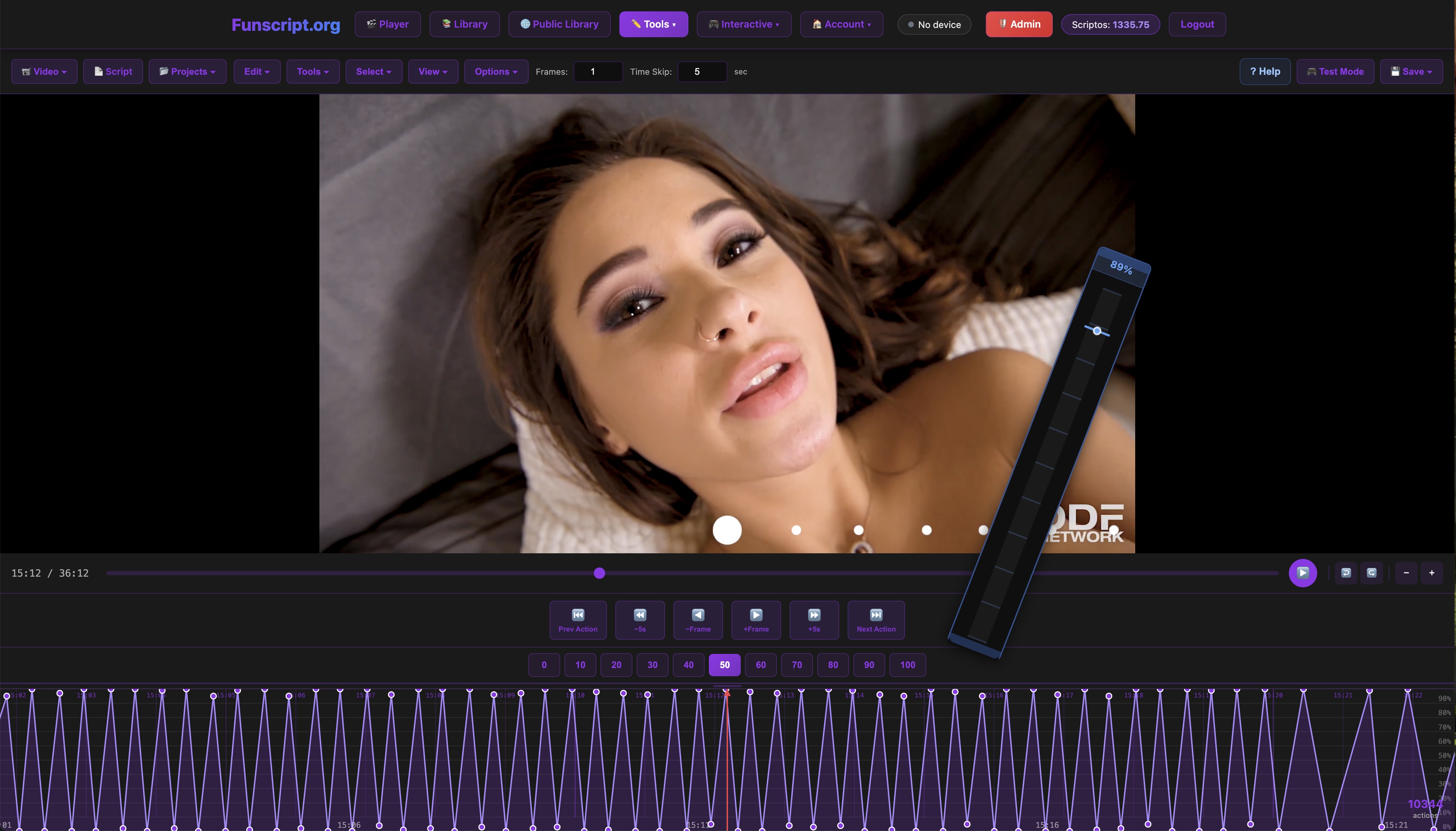
Another exciting method is using the script editor to create custom funscripts tailored to your preferences. This allows for a fully customized session that matches your pace and intensity, providing a level of personalization that's hard to achieve otherwise.
In summary, while maintaining your devices is crucial, experimenting with new devices and techniques can significantly enhance your interactive sessions. It's about maximizing what you have and exploring new possibilities to enrich your experiences.
Frequently Asked Questions
How often should I clean my interactive toy?
Clean your interactive toy after each use to maintain hygiene and performance. This practice helps prevent the buildup of residues that can affect device functionality over time. In addition to this, a thorough monthly deep-clean is advisable to ensure all components remain in optimal condition, especially for devices with multiple parts.
What should I do if my device won't connect to Funscript.org?
Ensure your device firmware is updated and check your WiFi or Bluetooth connections. If the issue persists, consult the device's user manual for further troubleshooting steps. It's also helpful to check for environmental factors such as too many devices connected to the same network, which can cause connectivity issues.
Can I use any charger for my device?
It's best to use the manufacturer's recommended charger to prevent battery damage. Using incompatible chargers may lead to overheating and reduce battery life. If your original charger is unavailable, choose a charger that matches the output specifications of the original to minimize risks.
How do I update the firmware on my device?
Follow the manufacturer's instructions for firmware updates, often available on their official website. Updates typically improve device performance and add new features. Ensure your device is sufficiently charged before starting the update to prevent interruptions during the process.
Are there any specific storage tips for maintaining my device's quality?
Store your device in a cool, dry place, ideally in a case or pouch to protect it from dust and accidental damage. Avoid placing it under direct sunlight or in humid areas, as these conditions can degrade the materials and affect the device's performance over time.
Comparison of Popular Interactive Devices
| Device | Type | Connectivity | Price Range |
|---|---|---|---|
| The Handy | Stroker | WiFi | $130-160 |
| Kiiroo Keon | Stroker | Bluetooth | $200-250 |
| Lovense Max 2 | Stroker | Bluetooth | $100-130 |
| OSR2 | Robotic Stroker | WiFi/Bluetooth | $400-500 |
| Autoblow AI Ultra | Stroker | Wired | $250-300 |

In conclusion, interactive toy maintenance and care are vital for prolonging the lifespan and ensuring the optimal performance of your devices. Regular cleaning, proper storage, careful battery management, and keeping up with firmware updates are all crucial steps. By following these guidelines, you'll ensure that your devices continue to provide the exciting experiences they were designed for while integrating seamlessly with platforms like Funscript.org. Don't forget to explore new devices and techniques to further enhance your interactive experiences.