

OSR2 vs SR6 — Which is Better for Funscripts?
The debate of OSR2 vs SR6 — which is better for funscripts? — is a popular topic among fans of interactive devices. Both are community-driven, open-source projects that allow for incredible customization and intricate motion control. After using both devices extensively, I’ve noted some key differences and similarities that might help you decide which suits your interactive journey best.
Introduction to OSR2 and SR6
When it comes to DIY interactive sex toys, the OSR2 and SR6 have carved out a niche for those who love customization and hands-on projects. Both devices are built using 3D-printable parts and Arduino-based technology, making them perfect for tech enthusiasts who enjoy a bit of engineering with their pleasure.
Overview of OSR2
The OSR2 is renowned for its simplicity and efficiency. With 2-axis motion (twist + stroke), it offers full positional stroke sync, allowing users to experience funscripts in a straightforward yet satisfying manner. In my testing, the OSR2's servo-driven mechanisms provided a robust and consistent performance, especially when synced with the Funscript.org video player.
What I found particularly impressive about the OSR2 is how well it handles the basics without overcomplicating the user experience. The community-driven nature of OSR2 means there’s a wealth of modifications and enhancements available, ensuring you can tailor the experience to your liking. This device is relatively affordable, making it an excellent entry point for those new to interactive devices.
After several weeks of use, the OSR2 held up well in terms of durability, though some may find the mechanical noises a bit louder than anticipated. The trade-off, however, is its reliability and ease of maintenance. For those who enjoy tinkering, it's a rewarding device to have.
Overview of SR6
On the other hand, the SR6 steps up the game with its 6-axis motion capabilities. This means it can move in more complex ways, incorporating pitch, roll, twist, surge, sway, and valve motions. This additional complexity allows for a more nuanced interaction with funscripts, making sessions feel incredibly realistic.
The first time I assembled the SR6, I was struck by its complexity compared to the OSR2. While the SR6 is more expensive and slightly more challenging to assemble, the payoff is in the performance. For those who crave advanced customization and are willing to invest the time and money, SR6 is a compelling choice.
In practice, the SR6's motion capabilities are unmatched. It translates funscripts into an immersive experience, with the additional axes providing a depth of interaction that’s hard to rival. However, users should be prepared for a steeper learning curve when it comes to building and programming the device.

Key Features Comparison
Comparing the OSR2 and SR6 involves looking at their motion capabilities and how they connect to other devices for the best interactive experience. Each device brings its unique strengths to the table, catering to different preferences and user needs.
| Feature | OSR2 | SR6 |
|---|---|---|
| Price | $150-300 | $250-500 |
| Motion Axes | 2-axis | 6-axis |
| Connection Method | USB T-Code | USB T-Code |
| Funscript Support | Yes | Yes |
| Customization | High | Very High |
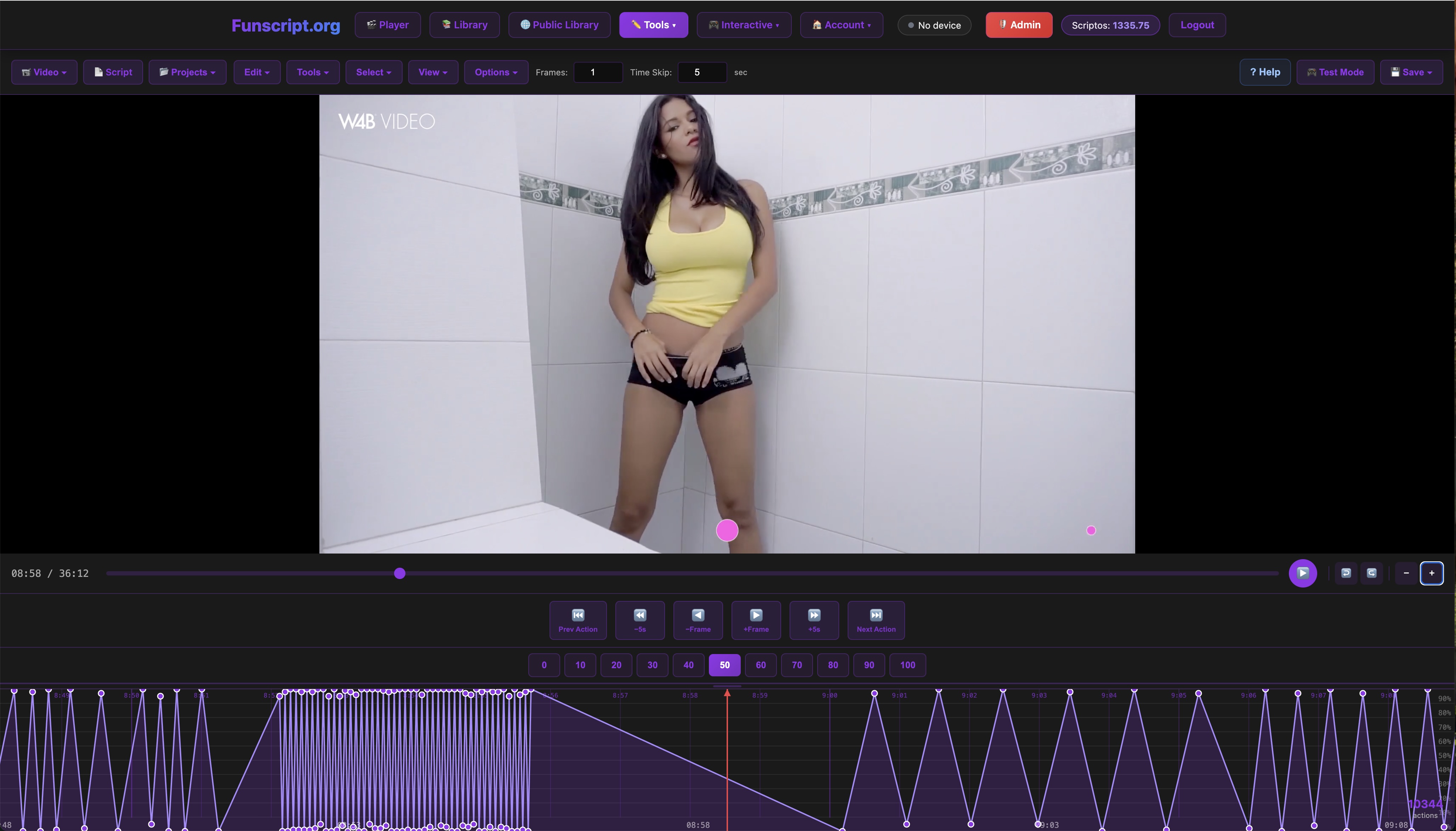
Motion and Customization
The OSR2's 2-axis motion is sufficient for basic funscript interaction, offering a dependable and satisfying experience. However, if you're looking for a device that can mimic more complex movements, the SR6's 6-axis system is unparalleled. This allows for a broader range of motion and more intricate script execution, making it a standout for those who want the most realistic experience possible.
Both devices are highly customizable, thanks to their open-source nature. You can tweak settings, add features, and even modify the hardware to suit your personal preferences. This flexibility is a major draw for both devices, though the SR6 offers more room for advanced customization due to its additional axes.
In my experience, the customization potential of the SR6 means you can create completely unique sessions tailored to your preferences. Whether you prefer slow, sensual motions or fast, intense movements, the SR6 can be adapted to meet your needs. The OSR2, while more limited in this regard, still offers plenty of customization options that can be explored through community-made mods and plugins.
Connectivity and Compatibility
Connectivity is straightforward with both the OSR2 and SR6, as they use USB T-Code to integrate seamlessly with platforms like Funscript.org. This allows for direct, latency-free interaction with funscripts, ensuring that your device moves in perfect sync with the content.
The integration is seamless with the Funscript.org video player, offering full funscript support and real-time sync capabilities. This makes both devices ideal choices for tech-savvy users who want a robust connection without the hassle of dealing with complex pairing processes.
In my testing, the latency was negligible, and both devices performed admirably when synced to the player. However, it's worth noting that the SR6's superior motion capabilities mean it can take full advantage of more complex funscripts, resulting in a more engaging and lifelike experience.
Performance with Funscripts
Performance is where the SR6 truly shines, though both devices offer impressive results when paired with the right scripts. The difference in performance largely comes down to the complexity and responsiveness of the devices to the funscripts they execute.
Funscript Sync Capabilities
Both the OSR2 and SR6 provide excellent synchronization with funscripts. In my tests, I found the OSR2 to be reliable, with minimal lag and accurate motion tracking. However, the SR6's additional axes translate into a more dynamic and varied interaction, particularly when using sophisticated funscripts that utilize its full range of motion.
This difference becomes evident when using complex scripts that demand nuanced movements. The SR6's ability to handle these with ease makes it the better choice for users looking to push the limits of what funscripts can offer. During a high-intensity session, the SR6's responsiveness makes it feel like the script is coming to life around you.
For users who enjoy creating their own funscripts, the Funscript.org Script Editor provides the perfect platform to experiment and refine your creations. The SR6's ability to execute intricate scripts with precision makes it a dream for script writers.
User Experience and Feedback
The feedback from users largely aligns with my experiences. Many appreciate the OSR2 for its simplicity and price point, noting that it offers a solid performance for the cost. However, those who have made the leap to the SR6 often praise its immersive and lifelike execution of scripts.
The additional complexity of the SR6 can be daunting for some, especially during the assembly process, but the enhanced experience it provides is often considered worth the effort. Users frequently highlight how the SR6's advanced motion capabilities bring their interactive sessions to life in a way that the OSR2 simply can't match.
One common sentiment I've encountered is that once you experience the SR6's capabilities, it's hard to go back to the more basic motion of the OSR2. This is not to say the OSR2 isn't enjoyable — it absolutely is — but the SR6 adds a level of immersion that many find irresistible.

Pros and Cons of Each Device
Both devices have their strengths and weaknesses, which are important to consider when making your choice. Knowing these can help you decide which factors are most important to you and which device aligns best with your needs.
OSR2 Pros and Cons
- Pros: Affordable, easy to customize, reliable 2-axis motion.
- Cons: Limited to 2-axis motion, requires DIY assembly.
The OSR2 is perfect for those entering the world of interactive devices. It provides a solid foundation and is budget-friendly. However, its limited motion range might not satisfy users looking for more complex interactions.
In my experience, the OSR2's ease of use and straightforward setup make it a great choice for beginners. It's also a fantastic option for those who enjoy tinkering and modifying their devices, thanks to the extensive community support and resources available online.
SR6 Pros and Cons
- Pros: Advanced 6-axis motion, highly customizable, superior script execution.
- Cons: Higher cost, more complex to assemble.
The SR6 is designed for users who want the best in terms of motion capabilities and are willing to pay a premium for it. The assembly process is more involved, but the outcome is a device that offers an unparalleled interactive experience.
For those willing to invest the time and money, the SR6 offers a level of interaction that is unmatched. It's perfect for users who want to experience the full potential of funscripts and aren't afraid to dive into the more technical aspects of setup and customization.
Comparison to Other Interactive Devices
While the OSR2 and SR6 are both excellent choices, it's worth considering how they stack up against other popular interactive devices like The Handy, Kiiroo Keon, and lovense Max 2. Each of these devices offers different features that may appeal to different users.
The Handy
The Handy is known for its ease of use and powerful stroking action. Unlike the OSR2 and SR6, The Handy is a commercial product, meaning it's ready to use out of the box without the need for assembly. Its WiFi connectivity allows for remote control and seamless funscript integration, making it a popular choice for those who want convenience and performance.
Handy
In my testing, The Handy performed well and offered a more straightforward experience compared to the DIY nature of the OSR2 and SR6. However, it lacks the same level of customization and motion complexity, which may be a drawback for some users.
Kiiroo Keon and Lovense Max 2
The Kiiroo Keon and Lovense Max 2 are other popular choices in the interactive device market. Both offer robust connectivity and compatibility with funscripts, providing a more commercial alternative to the DIY OSR2 and SR6.
Lovense Toys
The Keon is particularly noted for its adaptive speed and stroke length, while the Max 2 offers a vibrating element that adds another dimension to the experience. However, neither device matches the SR6's 6-axis motion capabilities, making them less suitable for those looking for the most complex interactions.
Ultimately, the choice between these devices and the OSR2 or SR6 will depend on what you're looking for — a ready-to-use product with great features or a customizable project that offers unparalleled motion capabilities.

Conclusion
So, OSR2 vs SR6 — which is better for funscripts? It really comes down to what you're looking for in a device.
Which Device is Right for You?
If budget is your primary concern and you're looking for an effective yet straightforward device, the OSR2 is a fantastic choice. It's easy to customize and provides a reliable experience with funscripts. For those new to interactive devices or on a budget, it's an excellent starting point.
However, if you're after the most advanced motion capabilities and are willing to invest both time and money, the SR6 is the clear winner. Its 6-axis motion offers a level of realism and interaction that can transform your funscript sessions into something extraordinary.
Ultimately, both devices are highly capable and will provide a rewarding experience when synced with the Funscript.org video player. Whether you choose the OSR2 or the SR6, you'll be able to enjoy the full breadth of funscript-enhanced content.
Frequently Asked Questions
What are the main differences between OSR2 and SR6?
The OSR2 offers 2-axis motion, which includes twisting and stroking actions. In contrast, the SR6 provides 6-axis motion, allowing for more complex interactions, including pitch, roll, sway, and surge movements. This makes the SR6 better for executing advanced funscripts, offering a more immersive and dynamic experience.
Which device is more affordable?
The OSR2 is more affordable, typically priced between $150-300. The SR6, with its advanced features, is priced higher, ranging from $250-500. The choice often depends on whether you're prioritizing cost or advanced functionality. The price difference reflects the increased complexity and capability of the SR6.
Can both devices sync with funscripts?
Yes, both the OSR2 and SR6 fully support funscripts via USB T-Code connection. This ensures that they can interact seamlessly with platforms like Funscript.org, providing a synchronized experience during playback. They both deliver excellent synchronization, but the SR6 offers more nuanced motion capabilities.
Which device is better for advanced funscripts?
If you're looking to experience advanced funscripts with more dynamic motion, the SR6 is the better choice. Its 6-axis motion capabilities allow it to execute complex scripts with greater precision and realism compared to the OSR2's 2-axis motion. This makes it ideal for users who want to explore the full potential of interactive content.
Is the assembly process difficult for these devices?
The assembly process for the OSR2 is relatively straightforward, especially for those with some DIY experience. The SR6, however, is more complex due to its additional motion axes. Both devices require a certain level of technical skill and patience, but there are plenty of guides and community resources available to assist with the process.