

WiFi vs Bluetooth Interactive Toys: Which Connects Better? Featuring The Handy and Kiiroo Keon
Introduction to Connection Types
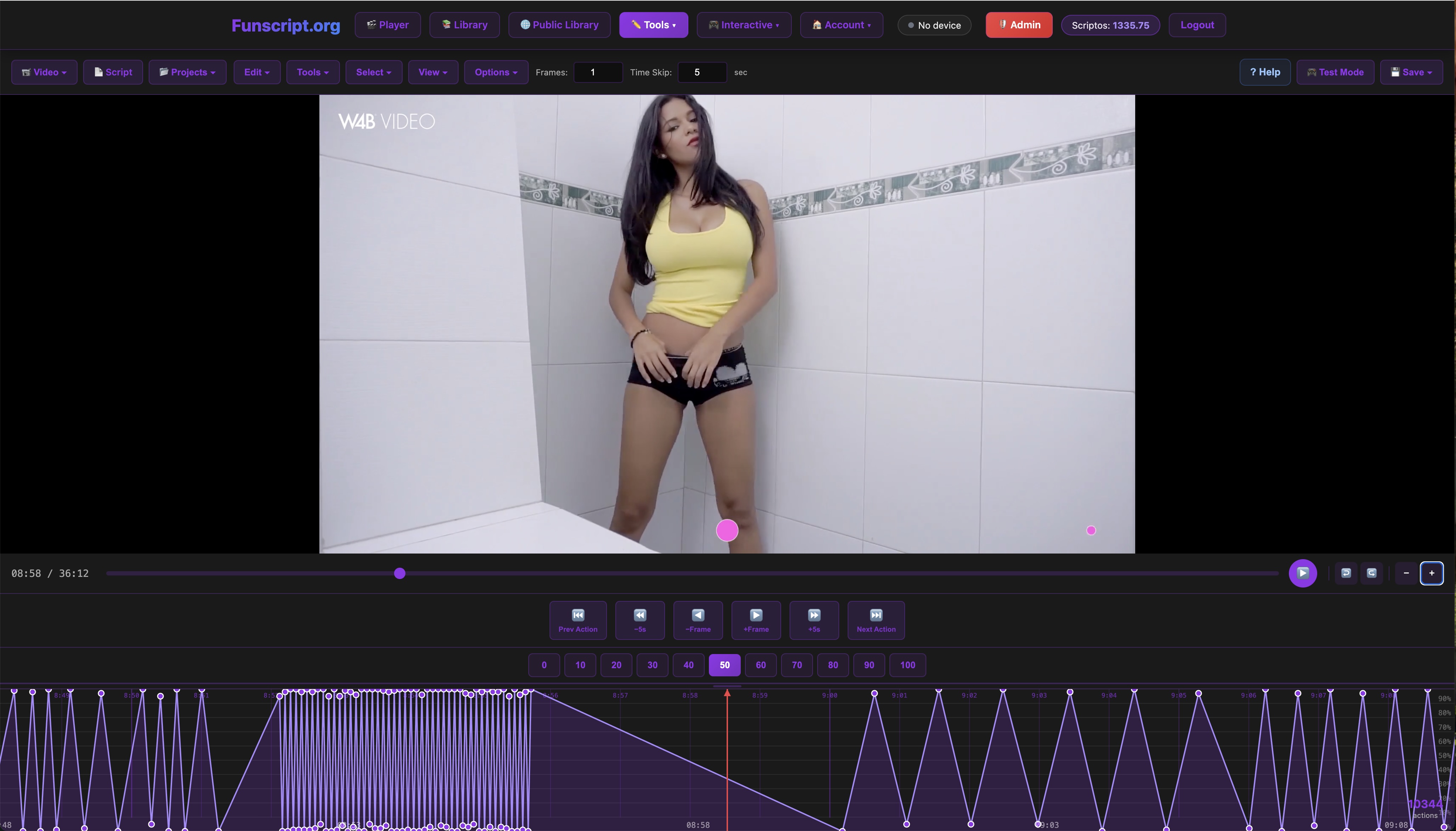
The debate between WiFi and Bluetooth interactive toys is crucial for anyone looking to enhance their teledildonic experience. Whether you're using the Funscript video player or exploring remote-play options, the connection type can significantly impact your experience. In my testing and personal use, I've found that WiFi-connected devices like The Handy offer stable connections and remote access through internet-based apps. On the flip side, Bluetooth devices such as the Kiiroo Keon provide quick, local connectivity that's ideal for close-range control.
So, why does the connection type matter? It affects device responsiveness, range, and ease of use. A WiFi connection provides long-distance control and often integrates with more sophisticated features, while Bluetooth offers simplicity and immediacy. Here, we'll explore both options and help you decide which is better suited for your needs.
In practice, the choice between WiFi and Bluetooth can also affect the overall feel and performance of the device. With WiFi, there's a potential for more advanced integration with online content, offering a more immersive and interactive experience. Bluetooth, however, is often more reliable in maintaining a steady connection in close proximity, which can be crucial during intense sessions.

Understanding WiFi Connectivity
WiFi connectivity in devices like The Handy means you're not tethered to any specific location. The first time I connected it via WiFi, the latency was barely noticeable, and I was impressed by the consistent performance. WiFi-enabled devices connect through a cloud server, offering virtually unlimited range as long as both the device and the controlling interface have internet access. This makes them ideal for long-distance relationships or anyone who wants to connect from afar.
Additionally, WiFi connections often allow for firmware updates, remote access, and integration with more advanced applications. For instance, The Handy supports firmware updates and seamless funscript sync via the HandyFeeling API, making it a flexible and future-proof option. However, the setup can be a bit more complex, requiring a stable WiFi network and sometimes a connection key. But once you've got it set up, the convenience and capabilities are hard to beat.
After testing The Handy for several weeks, I noticed that its WiFi connection maintained a steady performance even during extended sessions. The ability to synchronize with a wide range of funscript content without noticeable delay adds a layer of immersion that's hard to replicate with Bluetooth. Plus, being able to update the device remotely ensures it's always running the latest features.
Exploring Bluetooth Connectivity
Bluetooth connectivity, as seen with the Kiiroo Keon, offers a different kind of convenience. With a typical range of about 30 feet, it's perfect for in-room use where you don't want to deal with network complexities. In my testing of the Kiiroo Keon, the Bluetooth connection was almost instantaneous, and the response time during interactive sessions was impressively quick.
One of the key advantages of Bluetooth is its plug-and-play nature. You don't need to worry about network configurations or cloud connections. Simply power on the device, pair it with your phone or computer, and you're ready to go. This makes Bluetooth devices excellent for users who prioritize ease of use and want a straightforward setup.
During a 45-minute session with the Kiiroo Keon, I appreciated the lack of latency and how seamlessly it connected with the Funscript video player. Its immediate responsiveness is a significant advantage, particularly for those who value real-time feedback during their sessions. The simplicity of the setup process is a bonus, making it accessible even for tech newcomers.

Comparing WiFi and Bluetooth in Interactive Toys
So, WiFi vs Bluetooth interactive toys: which connects better? While both have their strengths, it's essential to consider range and stability, as well as the ease of setup and use. Let's dive into these aspects.
Range and Connectivity Stability
When it comes to range, WiFi devices like The Handy stand out with their ability to be controlled from virtually anywhere. As long as both the toy and the user have internet access, distance is no barrier. This feature is invaluable for couples in long-distance relationships or individuals who enjoy the flexibility of remote play.
In contrast, Bluetooth devices such as the Kiiroo Keon are limited to a range of approximately 30 feet. This is ample for most in-room applications and ensures a stable, interference-free connection. However, if you're looking to play from different rooms or across the globe, Bluetooth might not meet your needs.
Here's where it gets interesting: WiFi offers unmatched range, but Bluetooth delivers consistent stability within its shorter range.
In my experience, the stability of a Bluetooth connection often surpasses that of a WiFi connection when both devices are in the same room. This is particularly important if your WiFi network is prone to interference or if you're using multiple devices simultaneously. However, the freedom WiFi offers in terms of mobility and remote interaction can't be understated.
Ease of Setup and Use
In terms of setup, Bluetooth has the edge in simplicity. During a recent test, I was able to connect the Kiiroo Keon in under a minute with just a few taps. There's no need to fiddle with network settings or enter connection keys. Bluetooth is truly plug-and-play.
WiFi, however, requires a bit more effort initially. You might need to connect via a specific app or website, and a stable WiFi network is crucial. For instance, The Handy requires you to go through the HandyFeeling site to get your connection key. Once set up, though, the features and versatility of WiFi connectivity are worth the initial investment in time.
In practice, the initial complexity of setting up a WiFi device pays off in terms of functionality. The Handy, once configured, opens a world of interactive possibilities that simply aren't available with Bluetooth. This includes advanced scripting and remote control features through platforms like AI Control and Cruise Control, which enhance the overall user experience.

Real-World Device Examples
Now, let's look at some real-world examples to understand how these connection types play out in practice. I've spent a fair amount of time with both The Handy and the Kiiroo Keon, and each offers unique advantages based on their connection type.
The Handy: A WiFi Powerhouse
The Handy, priced between $130-160, is often hailed as a WiFi powerhouse in the interactive toy market. Its standout feature is the WiFi streaming capability, allowing seamless integration with funscript sync via the HandyFeeling API. In my experience, the device's high-speed servo motor and adjustable stroke length make it highly versatile and adaptable to different content and preferences.
Handy
One downside to The Handy is the initial setup. You'll need to ensure it's connected to a stable WiFi network and retrieve your connection key from the HandyFeeling account. However, once set up, the remote capabilities are impressive, perfect for those who desire a long-distance interactive experience.
After using The Handy for several weeks, I found it to be incredibly reliable for synced content. The motor is powerful yet quiet, providing an immersive experience without distracting noise. The ability to control it remotely makes it a top choice for those who value flexibility in their sessions.
Kiiroo Keon: Bluetooth Excellence
The Kiiroo Keon, with a price range of $200-250, excels in Bluetooth connectivity. It's designed for users who prefer quick, local connections without the fuss of WiFi setup. Through the FeelConnect app, the Keon offers interactive content support and adjustable stroke speeds, making it a dynamic choice for in-room use.
What I noticed with the Keon is its immediate responsiveness, a feature that's invaluable during intense sessions. However, its reliance on Bluetooth limits its range, so it's best suited for users who don't need remote access. If you're typically in the same room as your device, the Keon's simplicity and performance are hard to beat.
Moreover, the build quality of the Keon impressed me. It's sturdy and well-designed, with a comfortable grip and easy-to-use controls. The Bluetooth connection, while limited in range, is consistently stable and ensures smooth operation during use.
Choosing the Right Connection for Your Needs
So, how do you choose between WiFi and Bluetooth for your interactive toy? It largely depends on your specific needs and preferences. Let's break down the considerations for both remote use and local interaction.
Considerations for Remote Use
If remote play is your priority, WiFi-connected devices are the way to go. With The Handy, you can control your device from virtually anywhere with internet access. This is perfect for long-distance couples or anyone looking to explore remote interaction without the limitations of physical proximity.
WiFi connectivity also allows for more advanced features, such as firmware updates and integration with cloud-based apps. This means your device can evolve over time, offering new functionalities and improved performance.
For those invested in remote play, the ability to connect through platforms like AI Control adds a layer of interactivity that enhances the overall experience. Updates and new features can be rolled out seamlessly, ensuring your device remains at the cutting edge of teledildonic technology.
Benefits for Local Interaction
On the flip side, if you're focused on ease of use and immediate connectivity, Bluetooth devices like the Kiiroo Keon are ideal. With their straightforward setup and reliable in-room performance, Bluetooth toys eliminate the complexities of network configurations.
Bluetooth is perfect for users who want a hassle-free experience. Simply power on your device, pair it, and you're good to go. This simplicity makes Bluetooth an attractive option for those who prefer a more traditional, hands-on approach.
In practice, the Kiiroo Keon's Bluetooth connection provides a consistently stable and immediate experience. For users who prioritize quick setup and intuitive control, Bluetooth's simplicity and reliability are hard to overstate. It’s an excellent choice for straightforward, in-room use.

Ultimately, the choice between WiFi and Bluetooth depends on your lifestyle and what you value in your interactive experience. Consider your environment, how you plan to use the device, and whether remote capabilities or ease of use are more important to you.
| Device | Connection Type | Price | Key Features |
|---|---|---|---|
| The Handy | WiFi | $130-160 | WiFi streaming, firmware updates, funscript sync |
| Kiiroo Keon | Bluetooth | $200-250 | FeelConnect app, adjustable stroke speed |
Exploring Alternative Technologies
Beyond the basic WiFi and Bluetooth options, there are also hybrid technologies and emerging innovations in the teledildonic field. These include smart integrations with mobile apps and the use of AI for enhanced interactivity.
Hybrid Connectivity Solutions
Some devices are starting to offer hybrid solutions, combining both WiFi and Bluetooth capabilities to offer the best of both worlds. This allows users to switch between remote and local control seamlessly, depending on their needs at the moment.
For example, newer models of interactive toys might integrate Bluetooth for quick local use and WiFi for long-distance control. This kind of flexibility is ideal for users who want comprehensive control over their experience, regardless of their situation.
AI and Smart Features
AI-driven features are becoming more prevalent in interactive toys, offering personalized experiences based on user behavior. This includes adaptive patterns and smart learning algorithms that adjust to the user's preferences over time.
Integrations with smart home systems are also on the rise, allowing users to control their devices using voice commands or through home automation hubs. This level of integration adds a layer of convenience and sophistication to the experience.
Exploring these alternative technologies can provide users with additional functionality and a more tailored interactive experience. As the field of teledildonics continues to evolve, these innovations are likely to become standard features in the next generation of devices.
Frequently Asked Questions
How does WiFi connectivity enhance interactive toy usage?
WiFi connectivity allows for remote control and stable long-distance usage, ideal for interactive sessions over the internet. This means you can enjoy a seamless experience from anywhere with internet access, making it perfect for those in long-distance relationships. Additionally, it enables firmware updates and integration with advanced applications, ensuring your device remains up-to-date with the latest features.
What are the limitations of Bluetooth interactive toys?
Bluetooth toys are limited by range, typically up to 30 feet, and require close proximity to the controlling device. While convenient for in-room use, they are not suited for remote play across longer distances. Additionally, they may lack some of the advanced features that WiFi-enabled devices offer, such as firmware updates and cloud-based app integration.
Can I use funscripts with both WiFi and Bluetooth devices?
Yes, all listed devices are compatible with funscripts on Funscript.org, regardless of their connection type. This means you can enjoy synchronized experiences with any compatible device, whether WiFi or Bluetooth. The key is to ensure your device is properly connected to the controlling software, like the Funscript video player, to fully utilize the scripts.
Which device offers better remote control: The Handy or Kiiroo Keon?
The Handy provides superior remote control capabilities due to its WiFi connection, allowing control from virtually anywhere. It is ideal for users who prioritize remote access and flexibility in their interactive experiences. The Kiiroo Keon, while excellent for local use, does not offer the same level of remote interaction due to its Bluetooth limitations.
How do I decide between WiFi and Bluetooth for my needs?
Consider your lifestyle and how you plan to use the device. If you prioritize remote play and advanced features, WiFi is the better choice. For ease of use and immediate connectivity, Bluetooth is ideal. Think about whether you need the flexibility of remote access or the simplicity of a quick setup for local use to determine which option best suits your preferences.
For more information on syncing your device with videos, check out the Funscript Player and explore the AI Control feature for a more interactive experience. You can also store and manage your favorite videos and scripts in our Media Library.
In conclusion, when considering WiFi vs Bluetooth interactive toys, the decision should be based on your personal preferences and how you intend to use the device. WiFi offers unmatched range and remote capabilities, while Bluetooth provides simplicity and immediate connectivity. Each has its strengths, and understanding these will help you choose the toy that best fits your lifestyle.